Visual Studio Code Extension
q01sdk tool can be installed as extension in Visual Studio Code.
Pre-requisites
- A valid account to q01 platform
oktetotool installedq01sdktool installed
Getting Started
Install the Q01SDK VS Code extension by searching "q01" in vsCode Marketplace.

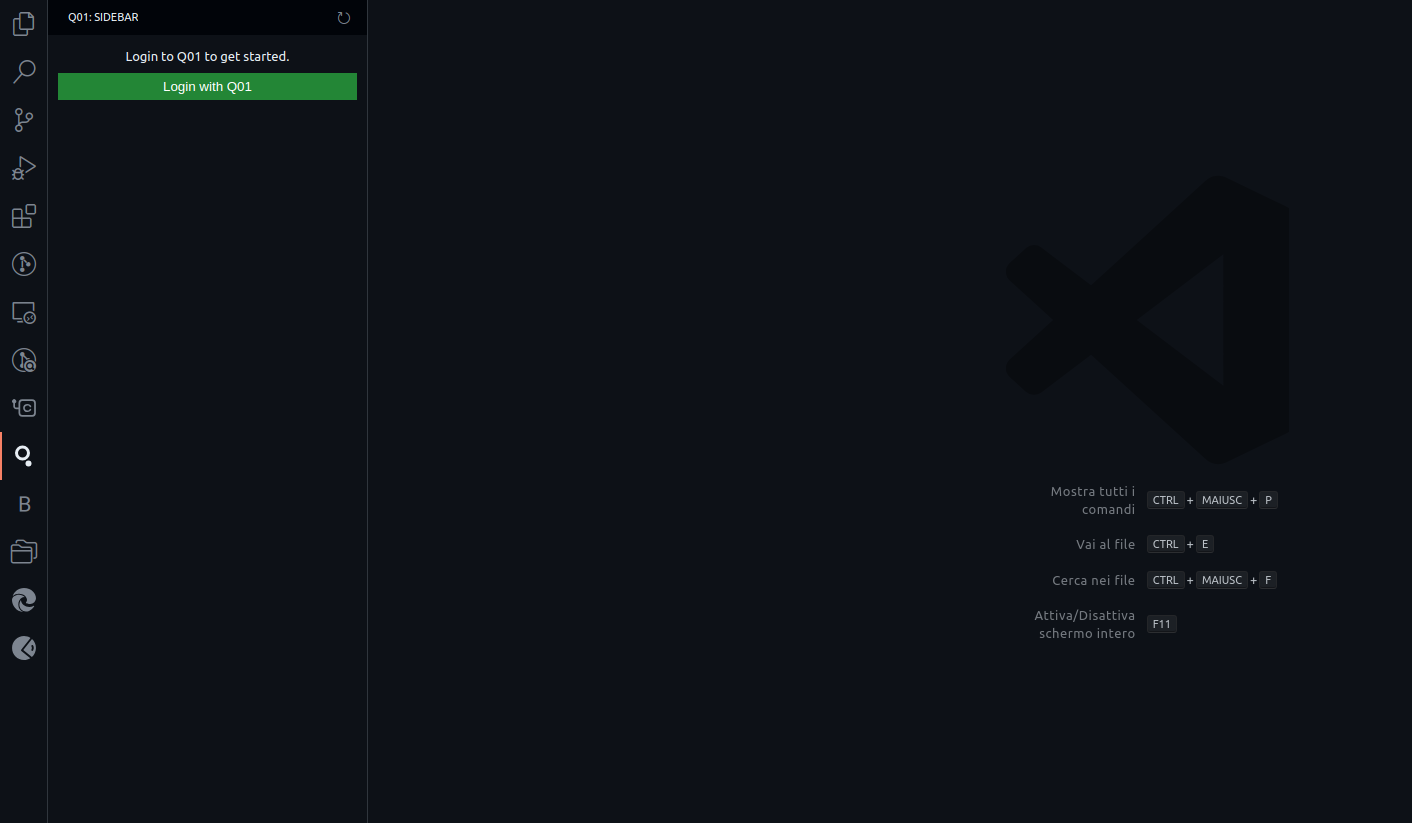
Sign in to Q01 via VS Code (see screenshot below).
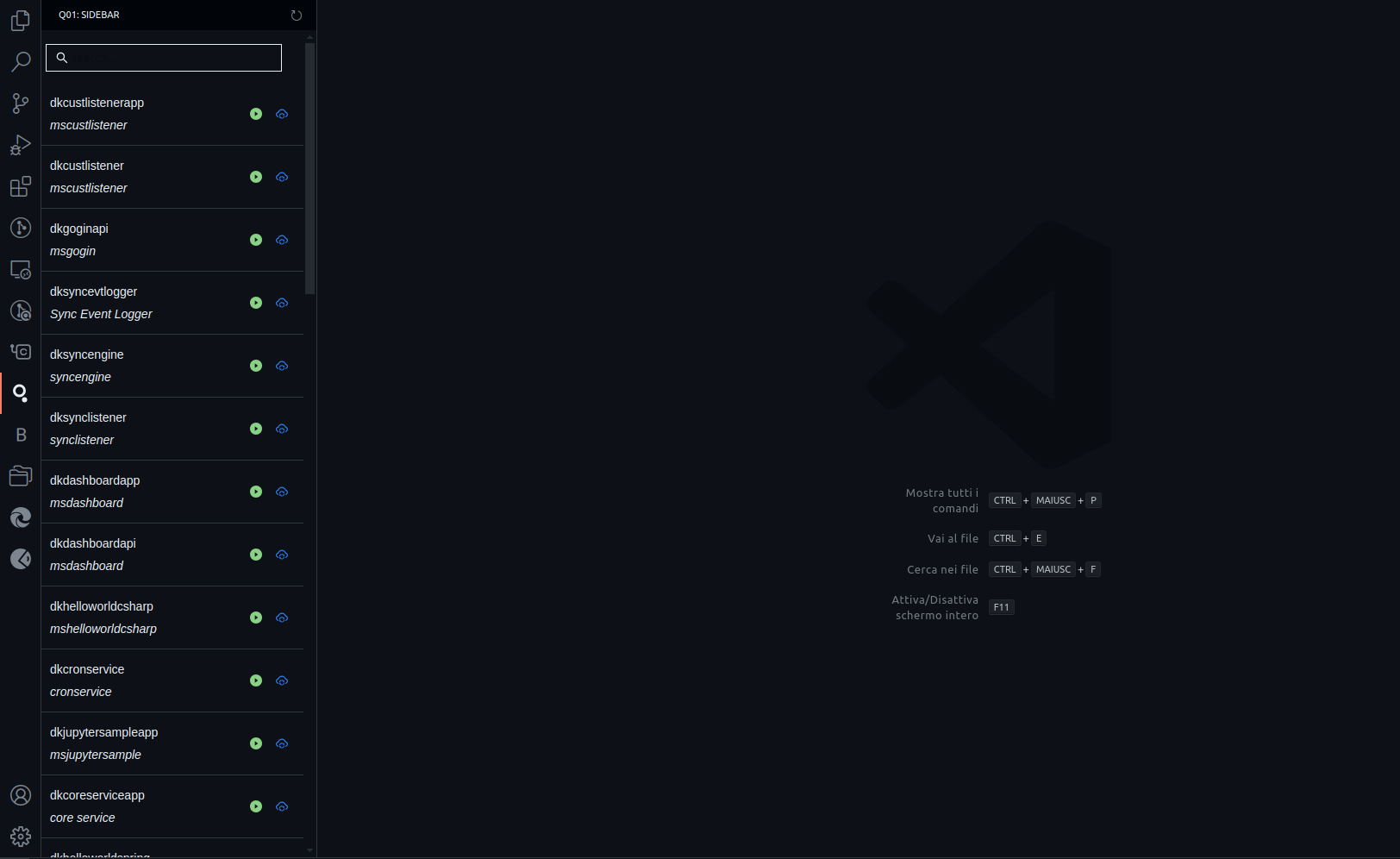
Interact with q01 components.
Feature List
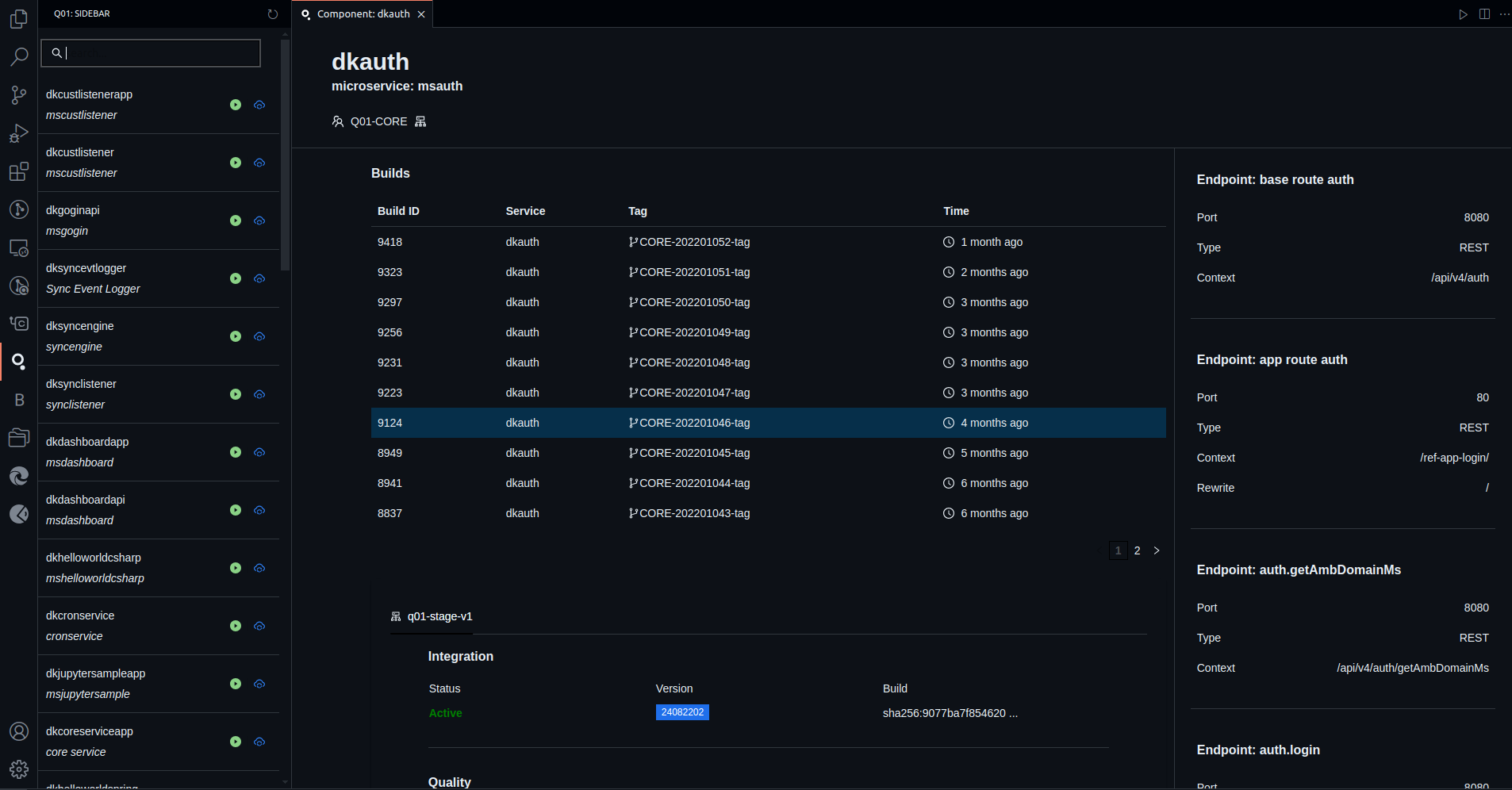
- Monitor Components: View component buils, endpoint, deployed version by environments.
- Develop: Run the
q01sdk dvcommand directly in your VS Code workspace. - Okteto Up/Down: Activate the remote container from component lists without running manually
okteto up/downcommand.
Screenshots